Mixed-Use Development Pro Forma Model
Mixed-Use Real Estate Development Financial Model
One Excel model for developments that combine residential, commercial, and hotel uses.
Tell us about your project. We'll confirm whether the model fits and explain the next step.

A walkthrough of the mixed-use development model from inputs through output sheets.
Any combination of property types
Run one property type or any mix of all three. Residential, commercial, and/or hotel segments work together in one model, and anything you don't select stays out of the workbook.
Residential
- Multifamily / Apartments
- Build-to-Rent Communities
- Condominiums
- Townhomes
- Single-Family Homes
- Student Housing
- Senior Housing
- Affordable Housing (LIHTC)
- Manufactured Housing / Mobile Home Parks
- Residential Land & Lot Sales
Commercial
- Office
- Retail
- Industrial / Warehouse
- Flex
- Data Center
- Self Storage
- Commercial Land Development
Hotel
- Full-Service Hotels
- Limited-Service / Budget Hotels
- Extended-Stay Hotels
- Boutique Hotels
- Motels
- Resorts
- Branded Residences
- Other Hospitality
50+ investor-ready output sheets
Every sheet is formatted for clean printing in investor and lender packages. Click any sheet to page through them full size, or see them in the walkthrough.
See the full list of output sheets Hide the full list
- Deal Summary 1
- Deal Summary 2
- Deal Summary (For-Sale)
- Metrics
- Summary Analysis
- LP Cash Flows
- GP Cash Flows
- Cash In Cash Out
- Levered Cash Flow
- Cash Flow from Operations
- Sources & Uses (A)
- Sources & Uses (B)
- Sources & Uses (C)
- Project Cost
- Return Breakdown
- Shareholder Return Detail
- ProForma P&L (Untrended & Stabilized)
- ProForma P&L (Detailed)
- ProForma P&L (Compact)
- Commercial ProForma P&L Unit-by-Unit
- Residential ProForma P&L Unit-by-Unit
- Hotel ProForma P&L
- Hotel #2 ProForma P&L
- Unit Summary
- Operating Summary
- Debt Detail
- Sensitivity Data Tables
- Exit Scenarios
- Cash-on-Cash Scenarios
- Two-Way Scenarios
- Loan Scenarios
- Exit Analysis
- Exit Details
- Distributable Cash Summary
- Waterfall Detail
- UnTrended Analysis
- Rents Per SqFt / Unit
- Hypothetical Investment
- Construction Loan Cash Flow
- Mezz Cash Flow
- Alternative Loan #1 Cash Flow
- Alternative Loan #2 Cash Flow
- Low Income Housing Tax Credits
- TIF Proceeds Report #1
- TIF Proceeds Report #2
- TIF Proceeds Report #3
- Gantt Chart
- LP Cash Flow Chart
- GP Cash Flow Chart
- Breakeven Chart
- Sources & Uses Chart
- Development Cost Chart
- NOI Chart
- NOI vs. Debt Service Chart
Don't see what you need? We can also customize output sheets to your liking.
“The level of detail and sheer power of various residential and commercial scenarios within the TILT model is truly mind blowing! I have truly never seen anything close to what Justin's model can do.”
Read the full quote Hide the full quote
“During my 10 years in commercial and residential development, I've worked with a ton of proformas. Discovering TILT's model felt like finding the Holy Grail of development proformas. The level of detail and sheer power of various residential and commercial scenarios within the TILT model is truly mind blowing! I have truly never seen anything close to what Justin's model can do. Also invaluable is Justin and his team's availability to do custom, a-la-carte, project-specific tweaks to the proforma. Equally impressive are the investor/lender-facing summary sheets, which are easy to understand and visually impeccable.”
Gabe Rogel
Founder & CEO, Arête Lofts
What the mixed-use real estate development model handles
Everything below is included in the standard model, except where it's marked as an add-on. Key metrics stay on screen while you type, and we work on the model every day, so it keeps growing.
Inputs & smart features 9 features
- Construction loan interest solvedCircular logic solved automatically and accurately
- Smart sources and usesFunding order, timing, and availability month by month
- All inputs on one pageCategorized and hyperlinked for fast navigation and no hunting through tabs
- Print report packetsSelect and print any combination of sheets from the table of contents with the push of a button
- Show/hide output sheetsEasily toggle to display only the sheets you need right from the table of contents
- Show only rows with dataOne-click button toggle for clean output across all output sheets
- Input error checkFlags common errors with labeled warnings
- Flexible input methodsLets you input assumptions the way you want, such as $/SF, $/unit, $/month, per acre, or $ total
- Hyperlinked table of contentsJump to any of the 50+ sheets
Units & revenue 14 features
- For-sale and for-operate unit typesOperate some unit types while selling others in the same project
- Lease-up by unit typeSeparate schedules with pre-leasing percentage, lease up any unit type at any time
- Vertical build or land parcelsModel unit types as vertical construction or subdivided land parcels by acreage
- NNN tenant expense matchingMatches NNN tenants with the corresponding NNN expenses so reimbursements follow occupancy
- Property tax abatementYear-by-year offsets with exit valuation adjustment for NPV of remaining tax abatements
- Holding costs on for-sale unitsScale down as units sell off
- Unlimited hotel keysModel any number of hotel rooms in the dedicated hotel forecast
- Hotel forecasting methodsPercent of revenue, per occupied or available room, or $ input
- TI and leasing commissionsTenant improvements and leasing commissions by commercial unit type
- Up to 20 commercial unit typesUse only the types your deal needs, with unlimited units per type
- Up to 40 residential unit typesUse only the types your deal needs, with unlimited units per type
- 30 operating expense linesPer year, unit, sqft, percent of rent, or bed, per property type
- Vacancy, concessions & bad debtYear-by-year vacancy and credit loss
- Other revenuesRecurring fees (pet, parking) and one-time fees
Construction 8 features
- 20 development phasesIn series or parallel, dates can drive project cost timing
- Project cost outputsCategorized project costs shown on a per-unit and per-square-foot basis
- 10+ ways to enter hard costsPer SF, per unit, $ total, cost curve, itemized, and more
- Four ways to buy landSingle date, multiple dates, lot take-down, or by unit type
- Development fee inputsEnter development fees quickly with dedicated inputs
- Gantt chart outputAll phases and milestones on one timeline
- 100 soft cost line itemsWith category names, linking to phase date or input date
- Contingency inputsSeparate contingency on sitework, hard costs, and soft costs
Financing & debt 7 features
- Construction loan sizingBy LTC, LTV, stabilized DSCR, or dollar amount
- Refinance loansSized by LTV, DSCR target, debt yield, or dollar amount
- GrantsVersatile options for grant infusions across up to 20 dates, alongside the construction loan
- Permanent loan conversionExtension or replacement once the project stabilizes
- Land loanSeparate loans for land and construction
- Construction loan cash flow sheetMonthly draws, interest accrual, payoff timing
- Fixed or variable ratesTie to SOFR or Treasury curves with spread, cap, and floor
Partnership & equity 9 features
- Multiple payout optionsFixed split, GP catch-up, waterfalls with up to 5 hurdle tiers, or GP promote
- IRR timing optionsStart the IRR clock when each LP contributes or base it on project drawdowns
- Individual fee splitsAllocate each fee among individual LPs and GPs
- Up to 6 LPs and 6 GPsDetailed structuring for complex joint ventures
- GP fees earned as equityDevelopment fees as earned equity during construction
- Non-cash contributionsEquity credit for land contributions, with optional preferred return
- Preferred return optionsSimple or compounded accrual, cumulative or non-cumulative, for LPs and GPs
- LP/GP timing toggleSimultaneous or separate contributions and payouts
- Distribution frequencyMonthly, quarterly, semi-annual, or annual
Analysis & reporting 5 features
- 50+ print-ready output sheetsProfessional, presentation-ready output reports for investors and lenders
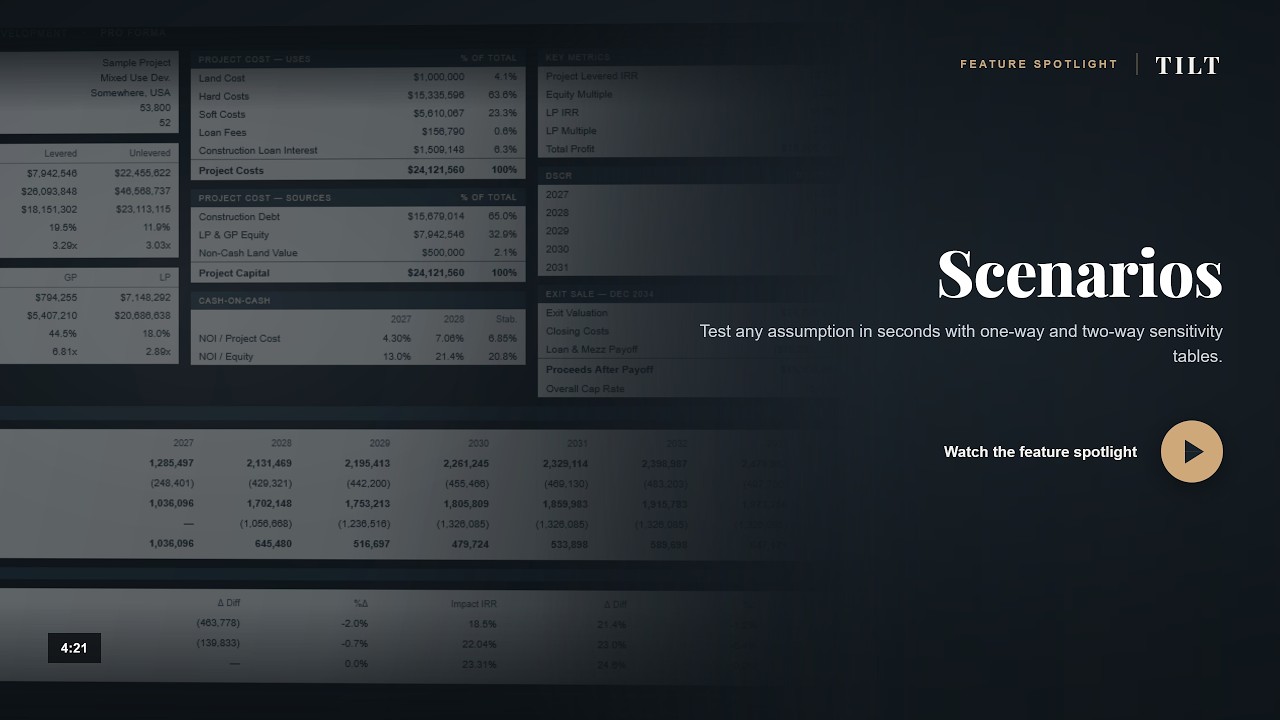
- Sensitivity analysisAutomatic what-if scenarios for exit years, rents, project costs, and more
- Untrended and stabilized analysisSee the deal with and without rent growth applied
- Key metrics always visibleIRR and equity multiple shown while you input
- Calendar or operating year P<oggle reporting views
Optional add-ons 6 add-ons
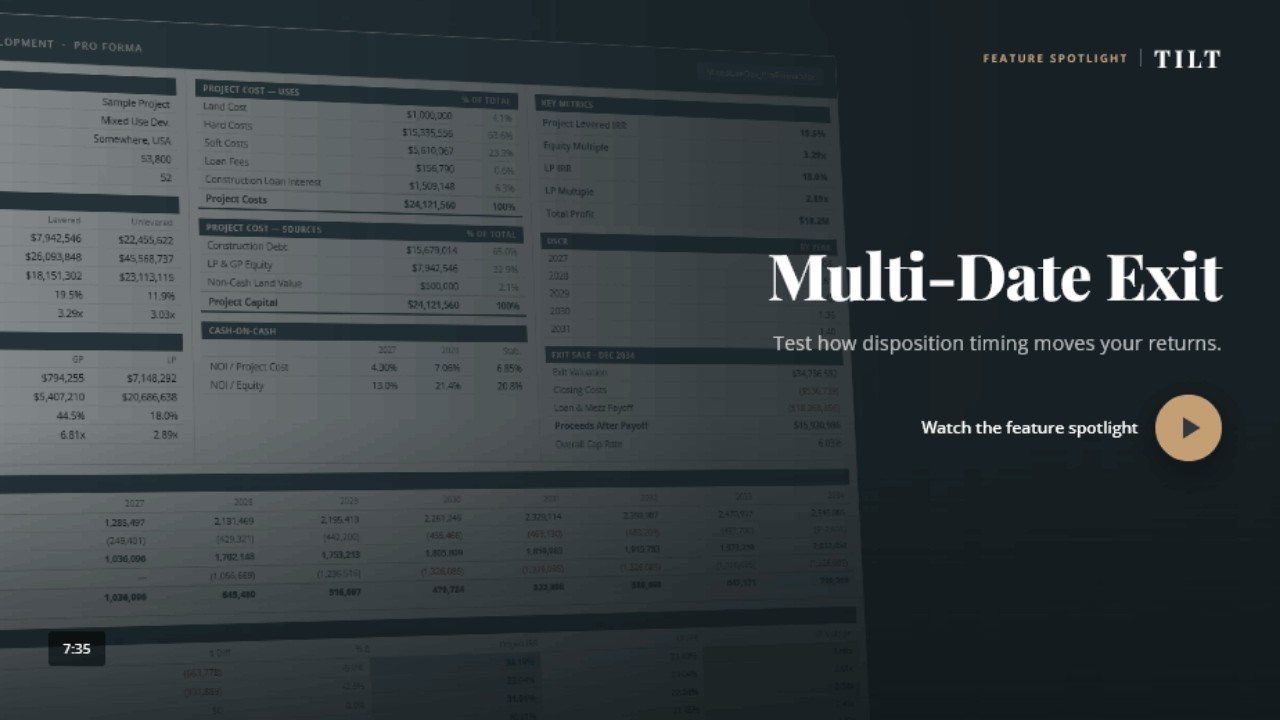
- Multi-date exitSell different units at different times, can also be at different valuations and pay down debt with each unit sale
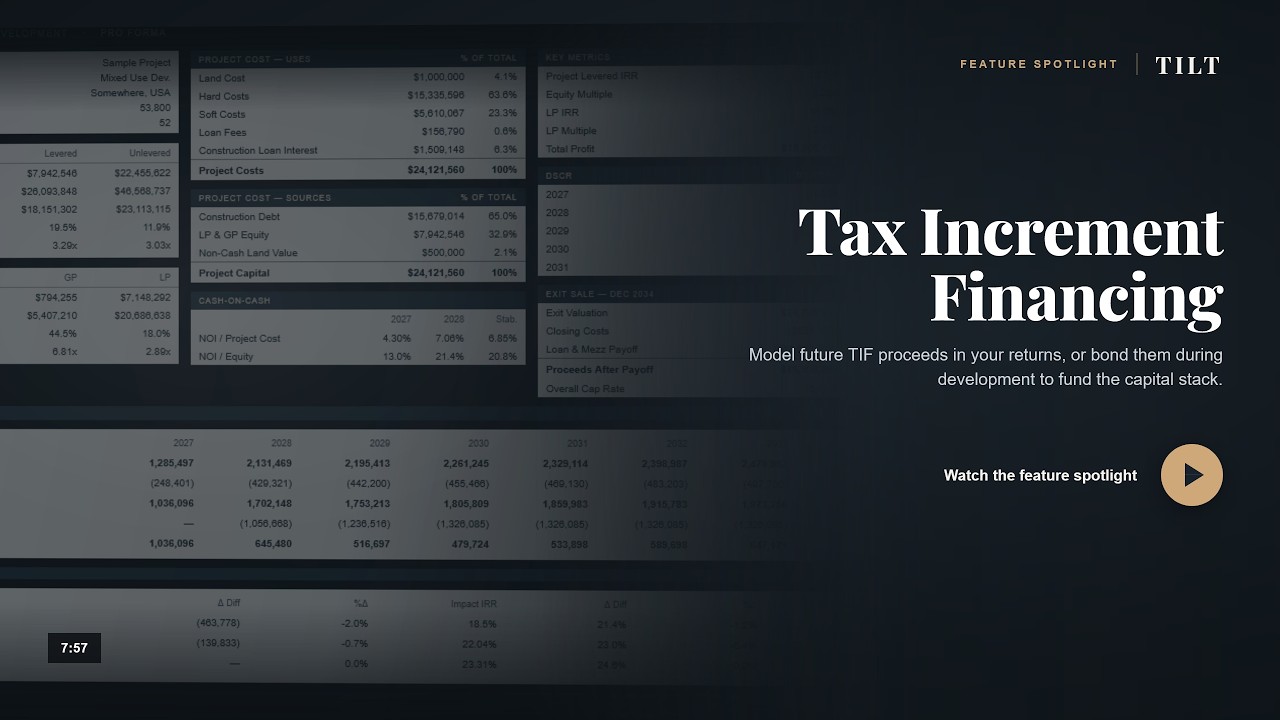
- Tax increment financing (TIF)Factor in future TIF proceeds into return metrics or bond during development for use in the capital stack
- C-PACE financingAlongside the construction loan on separate terms
- LIHTCFederal and state credits with functionality for purchaser and/or bridge loan to provide proceeds in capital stack
- Alternative loansNonstandard structures, including loans tied to specific project costs, different payback structures, different interest coverage, etc.
- Mezzanine debtPayback when cash flow is available prior to equity
Don't see what you need? We'll custom build it. Tell us what your deal needs.
See advanced features in action
Short walkthroughs of optional financing and analysis tools. Play a video here, or browse the full video library.
Ready to model your deal together?
The base model covers one property type. Add the functionality your deal needs a la carte.
Get a price for the model you needAnd if you need more than the model, we can work as part of your team: underwriting deals, preparing OMs and investor decks, and building custom models.
Frequently asked questions
The model
What is a real estate development pro forma or underwriting model?
A development pro forma model is a real estate underwriting model used to evaluate a ground-up construction project. It forecasts revenues, hard and soft costs, financing draws, and returns from land acquisition through stabilization and exit.
The TILT development model handles mixed-use and single-asset-class projects in one engine.
What's the difference between a development model and an acquisition model?
A development model underwrites a project you're building: land, phasing, hard and soft costs, construction loan draws, lease-up, and stabilization before exit. An acquisition model underwrites an existing operating asset from the day you buy it, starting with an in-place rent roll and a going-in cap rate. TILT builds both, for mixed-use, residential, commercial, and hotel.
Is the model a downloadable Excel file?
Yes. It's a macro-enabled Excel workbook you download and run on your own computer. Nothing runs in the cloud and your files stay local. The license covers your company rather than individual seats, so your whole team can use it.
Does the model handle mixed-use developments?
Yes. It handles any combination of residential and/or commercial and/or hotel uses in one model: up to 20 commercial segments, 40 residential segments, and a full hotel operation in one project. Shared land basis, segment-specific operating expenses, segment-specific exits, and more are all built in.
Not looking for mixed-use? Does the model do single-asset-class projects?
Yes. The same model handles residential-only, commercial-only, or hotel-only projects. Segments you don't select don't appear in your workbook. Many TILT clients start with a single asset class and add segments as their deal flow expands. TILT also builds dedicated residential, commercial, and hotel development models if you know you'll only ever need one.
How many development phases can I model?
Up to 20 phases, in series or in parallel. Phase timing drives cost spending, loan draws, and revenue start dates across the project. Common uses include staged townhome releases, multi-tower projects, and developments with separate vertical and horizontal phases.
How is this different from a free development pro forma template?
Free spreadsheets usually cover one asset class and break the moment you push them, with assumptions hard-coded into the formulas and no way to model a real capital stack. The TILT model handles mixed-use, complex financing, and full partnership waterfalls, and it produces output your lender and your LPs can read. You also get help directly from Justin, who built it, and if you ever need something it doesn't do, he can add it.
Financing & structure
Does the model handle construction loan draws and interest?
Yes. There's a dedicated construction loan cash flow sheet with monthly draws, interest accrual, and payoff timing, and it calculates the loan interest for you as the draw schedule changes. You can size the loan by LTC, LTV, stabilized DSCR, or dollar amount, and run it alongside mezzanine debt, C-PACE, TIF, grants, and a refinance in the full capital stack.
What's the difference between sizing a construction loan by LTC and by DSCR?
LTC sizes the loan as a percentage of total project cost, which is what governs during construction. DSCR sizes it against the debt service the stabilized property can actually carry, which is what governs at permanent financing. Lenders test both. The model runs both and shows you which one is binding.
Does the model handle C-PACE, TIF, LIHTC, and other complex financing?
Yes. If you need a LIHTC financial model in Excel, TILT supports federal and state credit layers plus bridge loan logic. It also handles C-PACE alongside a construction loan, TIF as pay-as-you-go or bond, grant infusions across up to 20 dates, alternative loans, and separate land and construction loans.
Does the model handle GP and LP waterfalls?
Yes. Up to 6 LP investors and 6 GP sponsors with configurable preferred returns, IRR hurdles, and multi-tier promote splits. The waterfall logic flows through to deal summary outputs and per-stakeholder cash flow sheets without manual reconciliation.
Buying & support
How much does the model cost?
Pricing is a base model plus a la carte add-ons such as C-PACE, TIF, LIHTC, alternative loans, and multi-date exit. The base model covers one property type with standard functionality. The license covers your company rather than individual seats.
Can you get my existing rent roll and cost budget into the model?
Yes. We can transfer your existing rent roll, unit mix, and cost budget into the model for you on an hourly basis, so you're not retyping hundreds of line items to get your first deal running. Your deal information stays confidential.
How often is the model updated?
Continuously. We work on the model every day, and improvements ship as they're built rather than in annual releases. When a client asks for something that belongs in the standard model, it usually ends up there.
What if I need a feature the model doesn't have?
TILT can customize the model. If your project needs something the standard build doesn't cover (a specific financing structure, a one-off output sheet, a custom waterfall), we build it in on an hourly basis. Custom work is a normal part of how TILT works.
Can TILT work with us beyond the model?
Yes. Through RE Analyst services, we work as part of your team: we populate the model from your raw data or OM and act as a third-party check on the numbers, prepare offering memorandums and investor decks, and build custom models for deals a standard template can't handle. It's hourly or retainer, per deal or ongoing.
What's included after I get the model?
Each TILT model includes up to one hour of working time with Justin in total. You can use 15 to 30 minutes before buying to run your deal structure through the model; that time counts toward the hour, and the remainder can be used to set up your first project. Ongoing technical support ("what does this cell do," "how do I enable macros") is free. Hourly help is available if you want Justin on the line for project input or analysis.
What do I need to run the model?
Microsoft Excel 365 on Windows or Mac, with macros enabled. It's a standard workbook that runs on your own computer. There's nothing to install and nothing runs in the cloud.
How do I get the model?
Tell us what you need through the form below. You can first book a complimentary 15 to 30 minute screen-share to test your deal structure. If you buy, that time counts toward the model's one included hour with Justin. The model is typically delivered within 24 hours, longer if your quote includes custom work.

Who builds it
Justin Acciavatti builds and supports every TILT model.
Justin has spent 20+ years building financial models, primarily for real estate developers and investors, with additional experience in investment banking, M&A, and startup finance. More than 500 firms use TILT models, and you work directly with him.
Try before you buy
Book a complimentary 15 to 30 minute screen-share before you buy. Justin will run your deal structure through the model so you can see whether it fits. If you buy, that time counts toward the one hour of working time included with the model.
Try your deal in the modelPart of your team
We can work together to efficiently run projects through the model, analyze results, prepare OMs and investor decks.
See RE Analyst services“We value TILT's flexibility, analytical support, and ability to tailor the model to real-world execution requirements.”
Read the full quote Hide the full quote
“TILT Analytics has been a strong partner in refining and customizing our development modeling to fit our specific business strategy. Their team has been responsive and collaborative through multiple revisions, and they have been willing to work through complex underwriting issues in detail when needed. We value their flexibility, analytical support, and ability to tailor the model to real-world execution requirements.”
Isaac Kyle
Founder & CEO, Realty Logix
Talk to Justin.
Tell us about your project. We'll confirm whether the model fits and explain the next step.
- 50+ investor-ready output sheets
- One hour of working time with Justin included, including any pre-purchase screen-share
- Free ongoing technical support
- Custom work available if you need it
- Underwriting, OM prep, and custom modeling as part of your team
Prefer email? [email protected]
Know a colleague who could use TILT? Refer them and you'll both get 10% off.