Ground-Up Commercial Development
Commercial Real Estate Development Financial Model
The complete real estate financial model for commercial developments. Model office, retail, industrial, warehouse, and more.
And when deals come in faster than you can underwrite them, we can work as part of your team as needed.

The video showcases a mixed-use commercial/residential version, but you can get commercial only.
Commercial Property Types
Use up to 20 commercial segments. Each segment can have its own use, square footage, rent structure, and operating expenses.
- Office
- Retail
- Industrial / Warehouse
- Flex
- Data Center
- Self Storage
- Commercial Land Development
Pro Forma Output Reports & Presentations
Professional, print-ready output sheets designed for investor presentations, lender packages, and internal analysis.
“The level of detail and sheer power of various residential and commercial scenarios within the TILT model is truly mind blowing! I have truly never seen anything close to what Justin's model can do.”
Read the full quote Hide the full quote
“During my 10 years in commercial and residential development, I've worked with a ton of proformas. Discovering TILT's model felt like finding the Holy Grail of development proformas. The level of detail and sheer power of various residential and commercial scenarios within the TILT model is truly mind blowing! I have truly never seen anything close to what Justin's model can do. Also invaluable is Justin and his team's availability to do custom, a-la-carte, project-specific tweaks to the proforma. Equally impressive are the investor/lender-facing summary sheets, which are easy to understand and visually impeccable.”
Gabe Rogel
Founder & CEO, Arête Lofts
What the commercial development model handles
Built on proven institutional methodology with advanced Excel functionality that eliminates circular references and maximizes flexibility.
Inputs & Smart Features 11 features
- Auto Loan Interest CalculationAccurately calculates construction loan interest without circular references or iterative calculations.
- Smart Uses and SourcesUnlike traditional models, ours understands timing and availability each month.
- Inputs All on One PageNo hunting through tabs: all inputs displayed, categorized, and hyperlinked.
- Print Selected Reports from TOCSelect and print multiple output reports as a packet directly from the table of contents.
- Show/Hide Output SheetsEasy toggle to display only the sheets you need for each presentation.
- Show Only Rows with DataOne-click toggle to display only non-zero rows for clean, focused output.
- Input Error CheckAutomatically detects common errors with clearly labeled warnings.
- Flexible Input MethodsEnter values as $/SF, $/unit, $/month, or $total, whatever fits your workflow.
- Hyperlinked Table of ContentsNavigate 50+ sheets instantly with a clickable, organized TOC.
- Right-Click Sheet ReorderingReorganize output sheets with a simple right-click menu, no dragging required.
- Auto-Updating Sheet NamesRename any sheet and the TOC updates automatically, no manual fixes.
Units & Revenue 9 features
- Up to 20 Commercial Unit TypesEach segment can have its own use, square footage, rent structure, and operating expenses, with unlimited units per type.
- Commercial Lease StructuresModel NNN, gross, or modified gross leases by commercial segment.
- Commercial Triple NetMatches NNN expenses with tenants; understands vacancy impact on reimbursements.
- Lease Up by Unit TypeManage lease-up schedules separately for each unit type with pre-leasing %.
- Percentage RentCommercial units can receive a percentage of tenant revenue in addition to base rent.
- Other RevenuesCapture recurring revenue such as parking and percentage rent.
- 30 Operating Expense LinesInput per year, per unit, per sqft, or % of rent for each commercial segment.
- Year-by-Year InflationIncorporate granular inflation inputs for rents and operating expenses.
- Vacancies, Concessions & Bad DebtFactor in occupancy losses year by year for realistic projections.
Development & Construction 7 features
- 20 Development PhasesIn series or parallel, tied to project costs with custom timing control.
- 50 Hard Cost Line ItemsUse itemized draw schedules with specific start/end dates for each cost.
- Land Lot Take-Down SchedulePurchase large land lots in multiple transactions over time.
- Land Parcels with AcreageFunction with land plots or development pads based on acreage or land sqft.
- Gantt Chart OutputVisual timeline showing all development phases and milestones at a glance.
- Link Soft Costs to PhasesAssign soft costs to phases: timing automatically updates when schedules change.
- 100 Soft Cost Line ItemsItemize up to 100 soft costs with category names, timing, and phase linkage.
Financing & Debt 5 features
- Refinance Loans%LTV requirements, cash-in-pocket calculations, and DSCR target inputs.
- Mezz Debt and GrantsUtilize multiple sources of financing alongside the construction loan.
- Land Loan Prior to ConstructionFunctionality for separate loans for land purchase and construction phases.
- Construction Loan Cash Flow SheetDedicated output showing monthly draws, interest accrual, and payoff timing.
- Interest Rate OptionsFixed or tied to projection curves for adaptable financial modeling.
Partnership & Equity 6 features
- Multiple Equity DistributionsIRR waterfall, GP catch-up, fixed percentage, and more for flexible profit-sharing.
- Up to 6 LPs and 6 GPsDetailed partnership structuring for complex joint ventures.
- GP Fees Earned as EquityDevelopment fees can be earned equity rather than cash during construction.
- Non-Cash ContributionsAcknowledge equity for land contributions to specific LP or GP partners.
- LP/GP Timing ToggleControl simultaneous or separate capital contributions and payout timing.
- GP Returns on Deal SummaryToggle to display GP-specific returns directly on the deal summary output.
Analysis & Reporting 6 features
- 50+ Output SheetsThe most comprehensive model available with hyperlinked table of contents.
- Print-Ready Output SheetsProfessional, investor-ready reports for presentations with key data and projections.
- Sensitivity AnalysisAutomatic "what-if" analysis for exit years, rents, operating expenses, hard costs, and more.
- Untrended/Stabilized AnalysisUnderstand how much of your returns are based on inflationary assumptions vs. real growth.
- Key Metrics VisibleIRR, equity multiple, and key metrics displayed throughout inputs for real-time monitoring.
- Calendar or Operating Year P<oggle between calendar year and fiscal year reporting views.
Optional Additional Functionality 6 add-ons
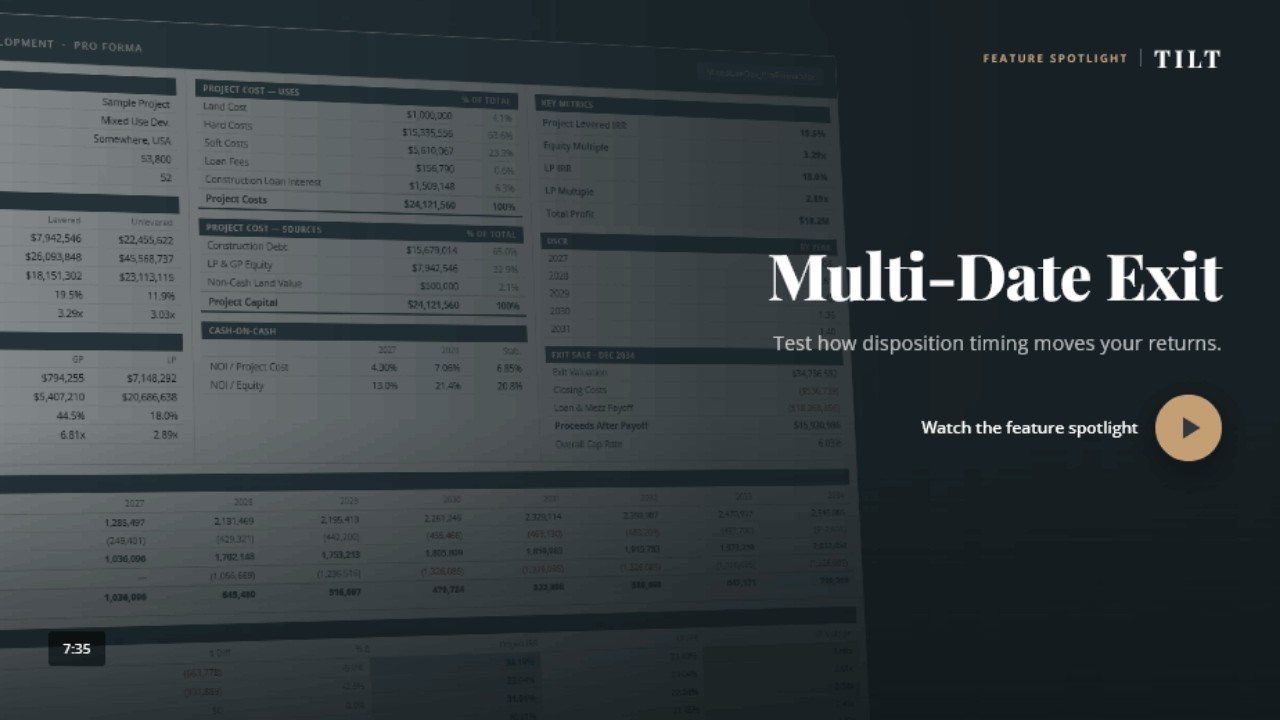
- Multi-Date ExitSell different units at different dates over the project lifecycle.
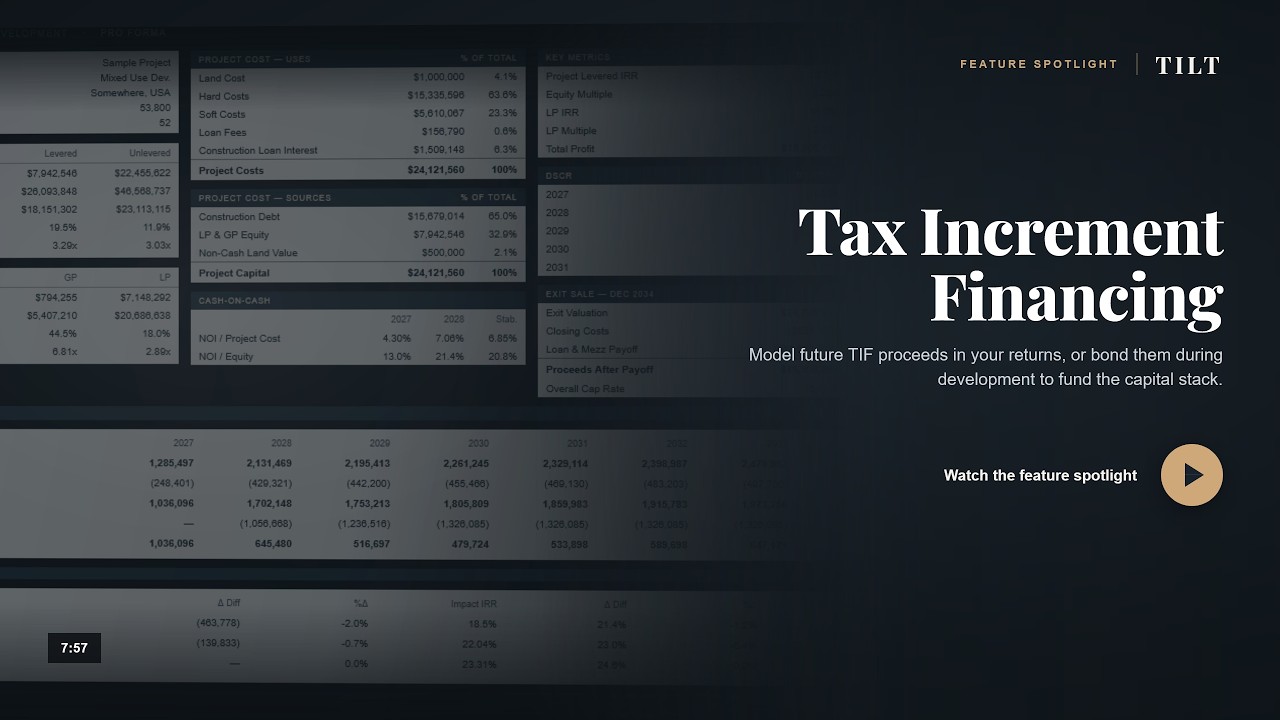
- Tax Increment Financing (TIF)Integrate local economic development incentives into project models.
- CPACE FinancingCommercial Property Assessed Clean Energy financing integration.
- LIHTCLow Income Housing Tax Credits with federal/state credits in capital stack.
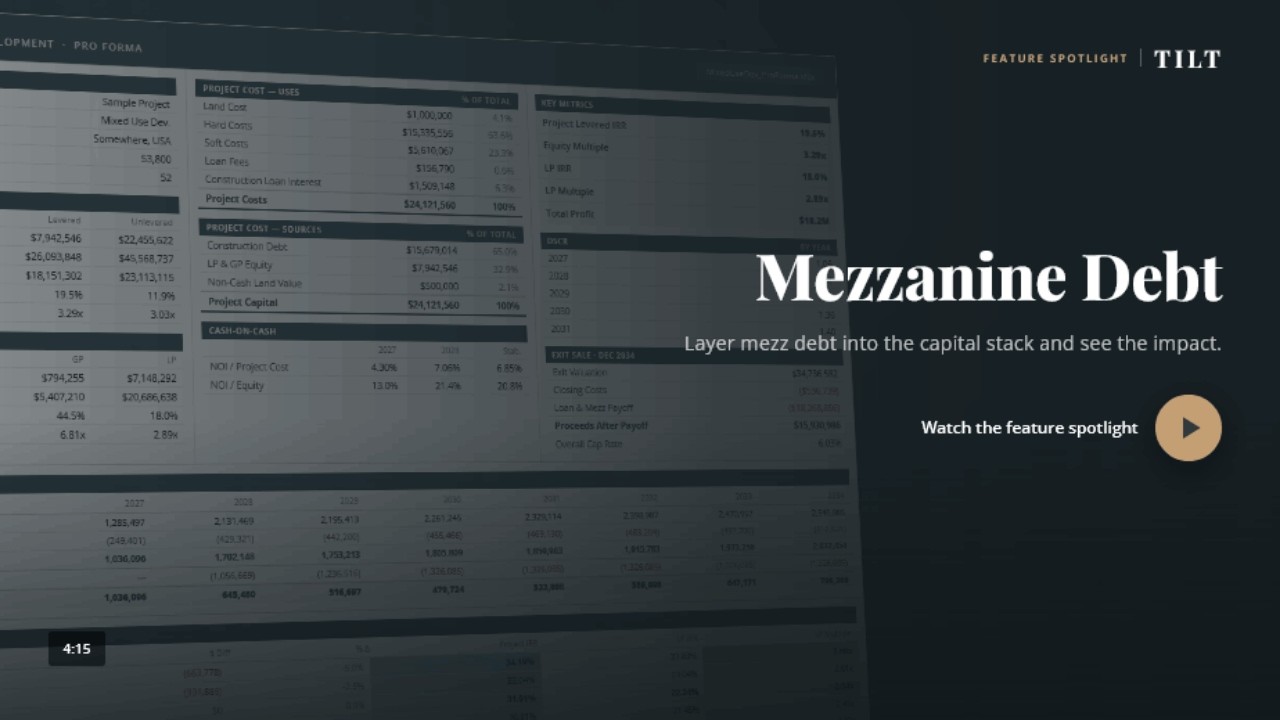
- Mezz DebtMezzanine debt with flexible payback options for tailored structures.
- Any Property CombinationAdd residential and/or hotel uses if your deal expands beyond commercial.
See advanced features in action
Short walkthroughs of optional financing and analysis tools. Play a video here, or browse the full video library.
Ready to model your deal together?
The base model covers one property type. Add the functionality your deal needs a la carte.
Get a price for the model you needAnd if you need more than the model, we can work as part of your team: underwriting deals, preparing OMs and investor decks, and building custom models.
Frequently asked questions
The model
What is a commercial development pro forma model?
It is a financial model for a ground-up commercial project. It forecasts rent, construction costs, lease-up, financing, and returns from land purchase through stabilization or sale. The TILT model supports up to 20 commercial segments.
What's the difference between a development model and an acquisition model?
A development model covers a project you are building, including land, construction costs, loan draws, lease-up or ramp-up, and stabilization. An acquisition model starts with an existing property and its current rent roll or operating results.
Is the model a downloadable Excel file?
Yes. It is a macro-enabled .xlsb Excel workbook that you download and run on your computer. Nothing runs in the cloud, and your files stay local. The license covers your company rather than individual users.
Does the model handle office, retail, industrial, and mixed commercial uses?
Yes. It supports up to 20 commercial segments, each with its own use, square footage, rent structure, and operating expenses. You can combine office, retail, industrial, flex, and other commercial uses in one project. Each segment can use NNN, gross, or modified gross leases.
Can the model handle tenant-by-tenant rent rolls?
The development model uses segment-level rent, lease-up, and concession inputs. Tenant-by-tenant detail can be added as a paid customization. For an existing property with a current rent roll, use the commercial acquisition model.
How many development phases can I model?
Up to 20 phases, in series or in parallel. Phase timing controls cost spending, loan draws, and revenue start dates.
How is this different from a free commercial development template?
Free templates are usually built for simple deals. The TILT model supports multiple commercial uses, phased development, construction financing, optional financing add-ons, and partnership waterfalls. It also includes setup help and technical support.
Financing & structure
Does the model handle construction loan draws and interest?
Yes. The model tracks monthly draws, interest accrual, and payoff timing without circular references. You can size the loan by LTC, a dollar amount, stabilized DSCR, or percent of stabilized value.
What's the difference between sizing a construction loan by LTC and by DSCR?
LTC sizes the loan as a percentage of total project cost. DSCR sizes it based on the debt service the stabilized property can support. The model supports both methods.
Does the model handle C-PACE, TIF, LIHTC, and other complex financing?
Yes. Optional paid add-ons include C-PACE, TIF, LIHTC, mezzanine debt, and multi-date exit. The model also supports grants and separate land and construction loans.
Does the model handle GP and LP waterfalls?
Yes. You can model up to 6 LP investors and 6 GP sponsors with preferred returns, IRR hurdles, and promote splits. The results flow to the deal summary and investor cash flow sheets.
Buying & support
How much does the model cost?
Pricing includes a base model and any optional features your project needs. The license covers your company rather than individual users. Use the form below to request a quote.
Can you help put my project data into the model?
Yes. TILT can enter your cost budget and other project inputs on an hourly basis. Your project information stays confidential.
What if my project later adds residential or hotel?
You can upgrade to the mixed-use version and add residential or hotel uses when you need them.
How often is the model updated?
The model is updated throughout the year. A full annual renewal includes features added during the year. Contact TILT for current renewal options.
What if I need a feature the model doesn't have?
TILT can add a financing structure, output sheet, or waterfall for an hourly fee.
Can TILT work with us beyond the model?
Yes. RE Analyst services can help enter project data, review underwriting, prepare offering memorandums and investor decks, and build custom models. Work is available by the hour or on retainer.
What's included after I get the model?
Each model includes up to one hour with Justin. You can use 15 to 30 minutes before buying to review your deal structure. That time counts toward the hour, and you can use the rest to set up your first project. Ongoing technical support is free. Project input and analysis are available by the hour.
What do I need to run the model?
You need the 64-bit Microsoft 365 desktop version of Excel on Windows or Mac, with macros enabled. Do not use Excel for the web because its macro support is limited.
How do I get the model?
Use the form below to describe your project. Justin will confirm the model fits and provide a quote. You can also book a free 15 to 30 minute screen-share before you buy.

Who builds it
Justin Acciavatti builds and supports every TILT model.
Justin has spent 20+ years building financial models, primarily for real estate developers and investors, with additional experience in investment banking, M&A, and startup finance. More than 500 firms use TILT models, and you work directly with him.
Try before you buy
Book a complimentary 15 to 30 minute screen-share before you buy. Justin will run your deal structure through the model so you can see whether it fits. If you buy, that time counts toward the one hour of working time included with the model.
Try your deal in the modelPart of your team
We can work together to efficiently run projects through the model, analyze results, prepare OMs and investor decks.
See RE Analyst services“We value TILT's flexibility, analytical support, and ability to tailor the model to real-world execution requirements.”
Read the full quote Hide the full quote
“TILT Analytics has been a strong partner in refining and customizing our development modeling to fit our specific business strategy. Their team has been responsive and collaborative through multiple revisions, and they have been willing to work through complex underwriting issues in detail when needed. We value their flexibility, analytical support, and ability to tailor the model to real-world execution requirements.”
Isaac Kyle
Founder & CEO, Realty Logix
Talk to Justin.
Tell us what you need in the model. We'll confirm it fits, price it, and set you up on your first deal.
- 50+ investor-ready output sheets
- One hour of working time with Justin included, including any pre-purchase screen-share
- Free ongoing technical support
- Custom work available if you need it
- Underwriting, OM prep, and custom modeling as part of your team
Prefer email? [email protected]
Know a colleague who could use TILT? Refer them and you'll both get 10% off.