Mixed-Use Acquisition Financial Model
Mixed-Use Real Estate Acquisition Model
Underwrite any property mix or multi-asset portfolio in one Excel model, from purchase and current operations through renovations, financing, refinancing, and sale.
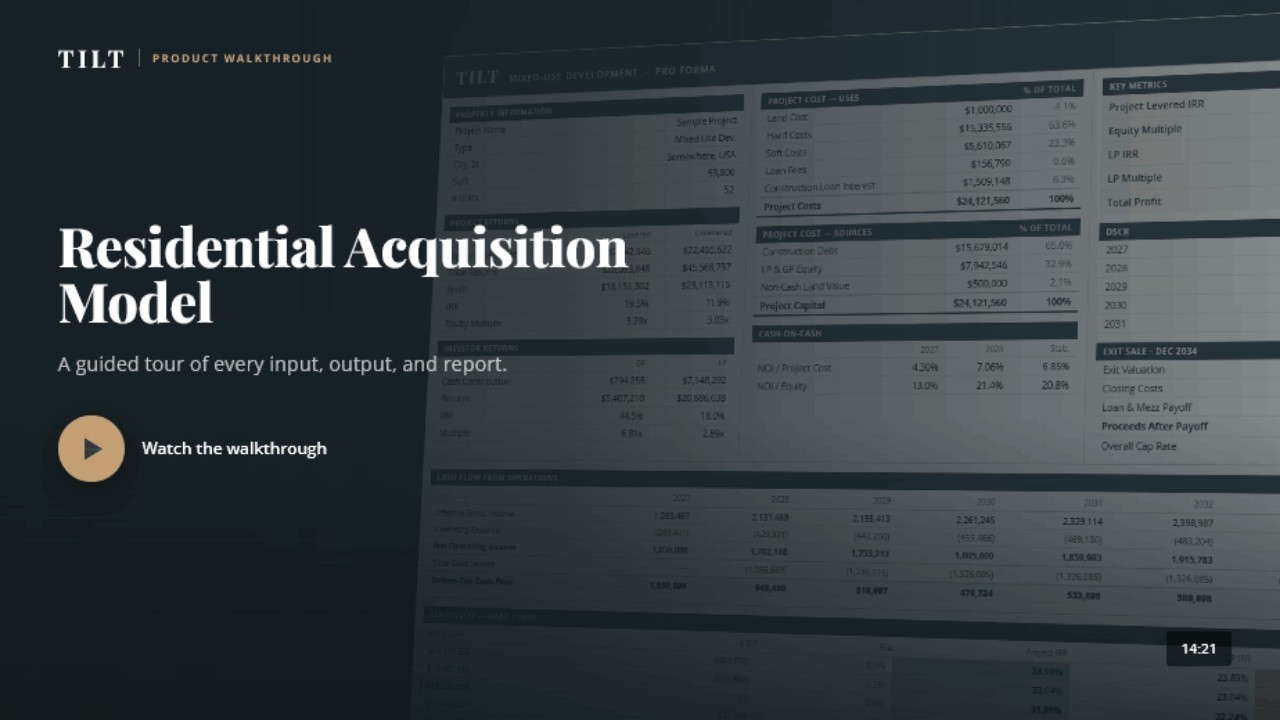
This video shows the residential acquisition model. A mixed-use video is coming soon.
Use one property type or combine all three
The base model includes one property type. Add residential, commercial, or hotel sections as your acquisition needs them. Each section uses the inputs and reports for that property type.
Residential
- Multifamily / Apartments
- Condominiums
- Townhomes
- Single-Family Homes
- Student Housing
- Senior Housing
- Affordable Housing (LIHTC)
- Mobile Home Parks
Commercial
- Industrial
- Retail
- Office
- Land
- Self-Storage
- Warehouse
- Data Center
- Medical Office
Hotel
- Full-Service
- Limited-Service
- Extended-Stay
- Boutique
- Resort

Who builds it
Justin Acciavatti builds and supports every TILT model.
Justin has spent 20+ years building financial models, primarily for real estate developers and investors, with additional experience in investment banking, M&A, and startup finance. More than 500 firms use TILT models, and you work directly with him.
Direct support
Book a complimentary 15 to 30 minute screen-share before you buy. Justin will run your deal structure through the model so you can see whether it fits. If you buy, that time counts toward the one hour of working time included with the model.
Talk to JustinCustom work
Need a lease structure, refinance, or report that is not in the standard model? Justin can add it for an hourly fee.
See RE Analyst servicesWhat the mixed-use acquisition model handles
Use current operations as the starting point. Then test the business plan, financing, refinance, and exit without circular references.
Inputs & Workbook Tools 11 features
- All inputs on one pageCategorized and hyperlinked for fast navigation and no hunting through tabs
- Show only rows with dataOne-click button toggle for clean output across all output sheets
- Show/hide output sheetsEasily toggle to display only the sheets you need right from the table of contents
- Print report packetsSelect and print any combination of sheets from the table of contents with the push of a button
- Smart sources and usesFunding order, timing, and availability month by month
- Loan Interest Without Circular ReferencesCalculate interest without turning on iterative calculations.
- Input error checkFlags common errors with labeled warnings
- Flexible input methodsEnter amounts per square foot, per unit, per month, or as a total.
- Hyperlinked table of contentsJump to any of the 50+ sheets
- Reorder SheetsChange the report order from the right-click menu.
- Rename SheetsChange a sheet name and the table of contents updates with it.
Underwriting & Rent Roll 4 features
- Tenant-Level Commercial Rent RollEnter each tenant's rent schedule, increases, and lease expiration.
- Vacancy, concessions & bad debtYear-by-year vacancy and credit loss
- Commercial Lease TermsModel NNN and NN leases, free rent, tenant improvements, management, and leasing costs.
- Commercial and Residential SegmentsUse up to 20 commercial segments and 40 residential segments in one acquisition.
Capital Stack & Partnership 4 features
- Non-cash contributionsGive a partner equity credit for land or another contributed asset.
- Up to 6 LPs and 3 GPsTrack separate contributions and returns for each partner.
- Multiple payout optionsUse an IRR waterfall, GP catch-up, fixed split, or another payout structure.
- Mezzanine Debt and GrantsAdd other funding sources alongside the acquisition loan.
Investment Returns & Exit 3 features
- Exit Value by Cap Rate or AmountValue the sale with an exit cap rate or enter the sale price directly.
- Sensitivity analysisTest changes to rent, expenses, interest rates, and other assumptions.
- Phased Renovations and Rent IncreasesSchedule renovations over time and apply the new rent as each phase finishes.
Optional Add-Ons 2 add-ons
- Mixed-Use Property TypesThe base model includes one property type. Add the other property types your acquisition needs.
- Multi-date exitSell separate parts of the property at different times.
Underwrite the property you are buying.
Tell us what you are buying and what the model needs to handle.
Get the ModelAcquisition Pro Forma Model
Frequently Asked Questions
What is a real estate acquisition pro forma model?
It is an Excel workbook for deciding whether to buy an existing property. It starts with the purchase price and current operations, then forecasts cash flow, renovations, financing, refinancing, and sale. A development model starts with land and construction. An acquisition model starts with a property that already exists.
Does the model handle mixed-use acquisitions?
Yes. The base model includes one property type. Add residential, commercial, or hotel sections as needed. Residential uses unit-type rent inputs. Commercial uses tenant-level lease inputs. Hotel uses ADR, occupancy, department revenue, and hotel operating expenses.
Can I use it for one property type?
Yes. The base model includes one property type: residential, commercial, or hotel. Property types you do not buy stay out of the workbook.
Does the model handle tenant-by-tenant rent rolls?
Yes. For commercial and retail space, enter each tenant's lease term, rent increases, free rent, tenant improvements, lease type, and renewal assumptions. Residential space uses unit-type rent inputs.
Does the model handle value-add scenarios?
Yes. Schedule renovations and apply the new rent when each phase finishes. You can also model lease-up, a cash-out refinance, and sale by cap rate or sale price.
Buying & support
What software does the model require?
The model is built for the Microsoft Excel 365 desktop application on Windows or Mac.
How often is the model updated?
TILT continuously updates and refines the standard model as its features improve.
What if I need a feature that is not built in?
Tell Justin what is missing. He can add a lease structure, refinance, or report for an hourly fee.
How quickly can I start using it?
Most clients enter their first acquisition within an hour. Each TILT model includes up to one hour of working time with Justin in total. You can use 15 to 30 minutes before buying to test your deal structure; that time counts toward the hour. Ongoing technical support is free. Hourly help is available for project input or analysis.
Tell us about the property.
Send the property mix and the main items you need to model. We will confirm the fit, give you a price, and reply within one business day.
- 50+ output sheets
- One input page
- Financing, refinancing, and exit analysis
- Setup help and ongoing technical support
- Custom work when the standard model does not fit
Prefer email? [email protected]
Know a colleague who could use TILT? Refer them and you'll both get 10% off.